
What Should a Restaurant Post on Instagram?
What should a restaurant post on Instagram? A practical list of 12 content ideas for London restaurants and cafés, with purpose, effort and timing.
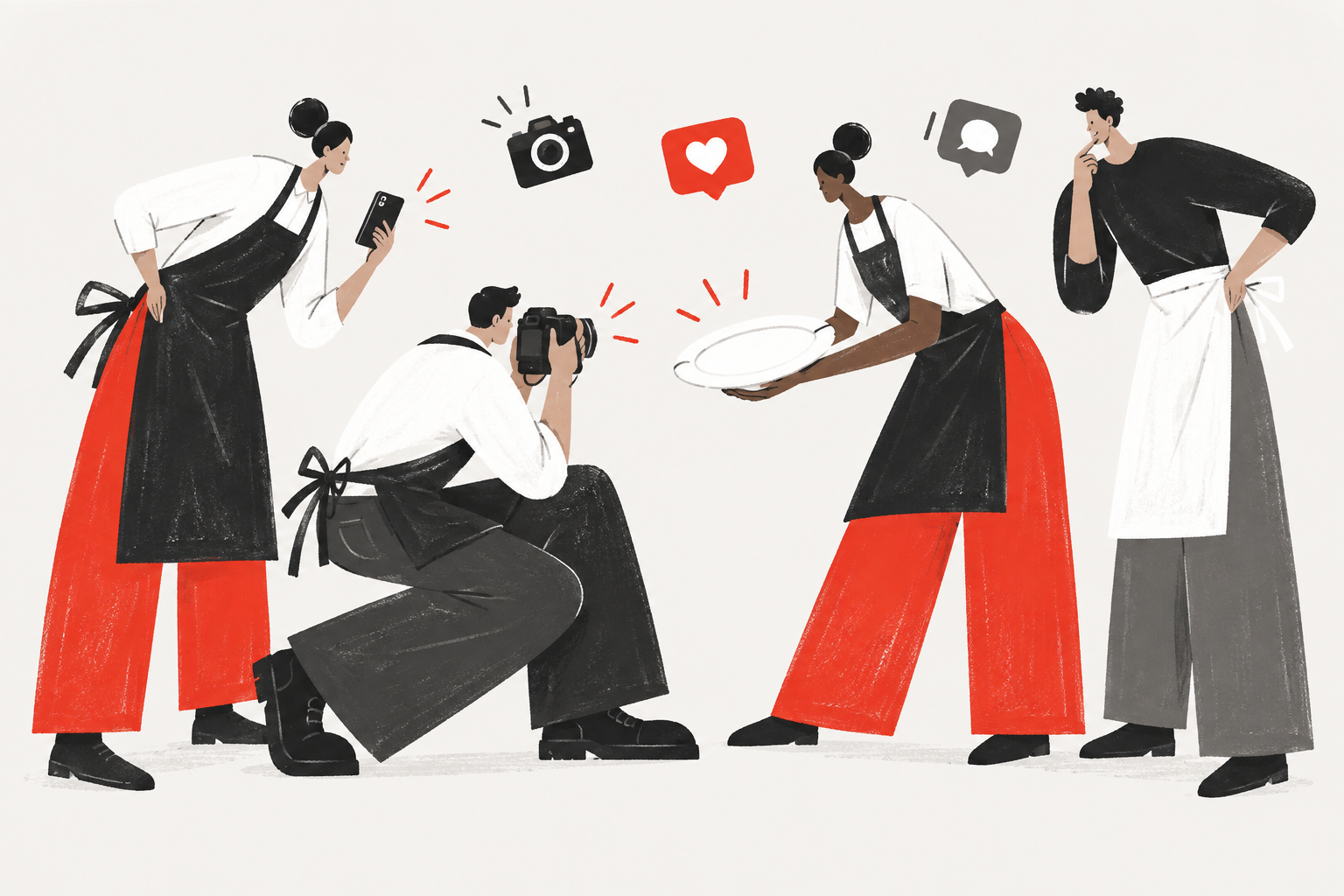
What should a restaurant post on Instagram? Post what a guest will actually experience: the food as it is served, the room at its best hour, the people behind the counter, and any change that affects a visit this week. These 12 ideas are for London restaurant and café owners who want a clear, useful feed rather than more content for its own sake.
Instagram does not need a new idea every day. A good restaurant feed is built from a small number of repeatable subjects, photographed honestly and used at the right moment. The result to aim for is simple: a guest should understand your place and know what to do next.
The ideas below are grouped by the part of the restaurant they show. Each includes a practical purpose, not a promised client result. That distinction matters: content should support a real business goal, but no single post can guarantee a booking or a busy service.
What Should a Restaurant Post on Instagram?
A restaurant should post images and updates that make a visit easier to picture and easier to plan. The strongest content does not try to imitate every trend. It gives guests a true sense of the food, the atmosphere and the restaurant team.
Think of a post as one clear answer to a guest’s question. A new dish answers “What is on now?” A full dining room answers “What will an evening here feel like?” A changed opening time answers “Can I come today?” This is why a small, steady content plan is usually more useful than a busy but random feed.
Start with material you can make consistently. Professional photography can build a reliable library, while a phone is useful for a same-day update. Our restaurant photography and video portfolio shows the kind of clear, honest material that can serve both a feed and a restaurant website.
Food and Drink Posts That Show the Real Menu
Food and drink posts should show what a guest can genuinely order, in the way it will be served. They work best when the post is about one recognisable detail, not when a crowded frame tries to show the whole menu at once.
- A new dish: Show a new or seasonal plate while it is actually available, so guests have a timely reason to check the menu or book.
- Preparation before service: Capture a real moment of cooking, finishing or pouring to show care and craft without pretending the kitchen is a stage.
- A close detail: Focus on texture, garnish, glassware or a single hand at work when the detail tells guests something about the standard of the restaurant.
The useful result from these posts is clearer expectation. A guest who sees the food as it is really served is less likely to feel surprised by the menu or the style of the restaurant. Keep the caption practical: name the dish, say when it is available and point guests to the current menu if they need more detail.
Place and Atmosphere Posts That Set Expectations
Place and atmosphere posts help guests decide whether your restaurant suits the moment they have in mind. They are especially useful for cafés and independent restaurants whose room feels different across the day.
- Morning light: Show the room in natural daylight when you want to attract breakfast, coffee or daytime guests and make the space feel easy to enter.
- A full dining room: Share a real, well-composed service moment to show energy and occasion, but never imply that every service looks like a staged crowd scene.
- The table setting: Photograph the details guests notice on arrival, such as linen, cutlery, lighting or a view of the room, to show the level of care around the meal.
Use a mix of wide and close frames. The wide frame answers “What is the room like?”; the close frame answers “What does the restaurant care about?” Together they give a fuller picture than dish photographs alone.
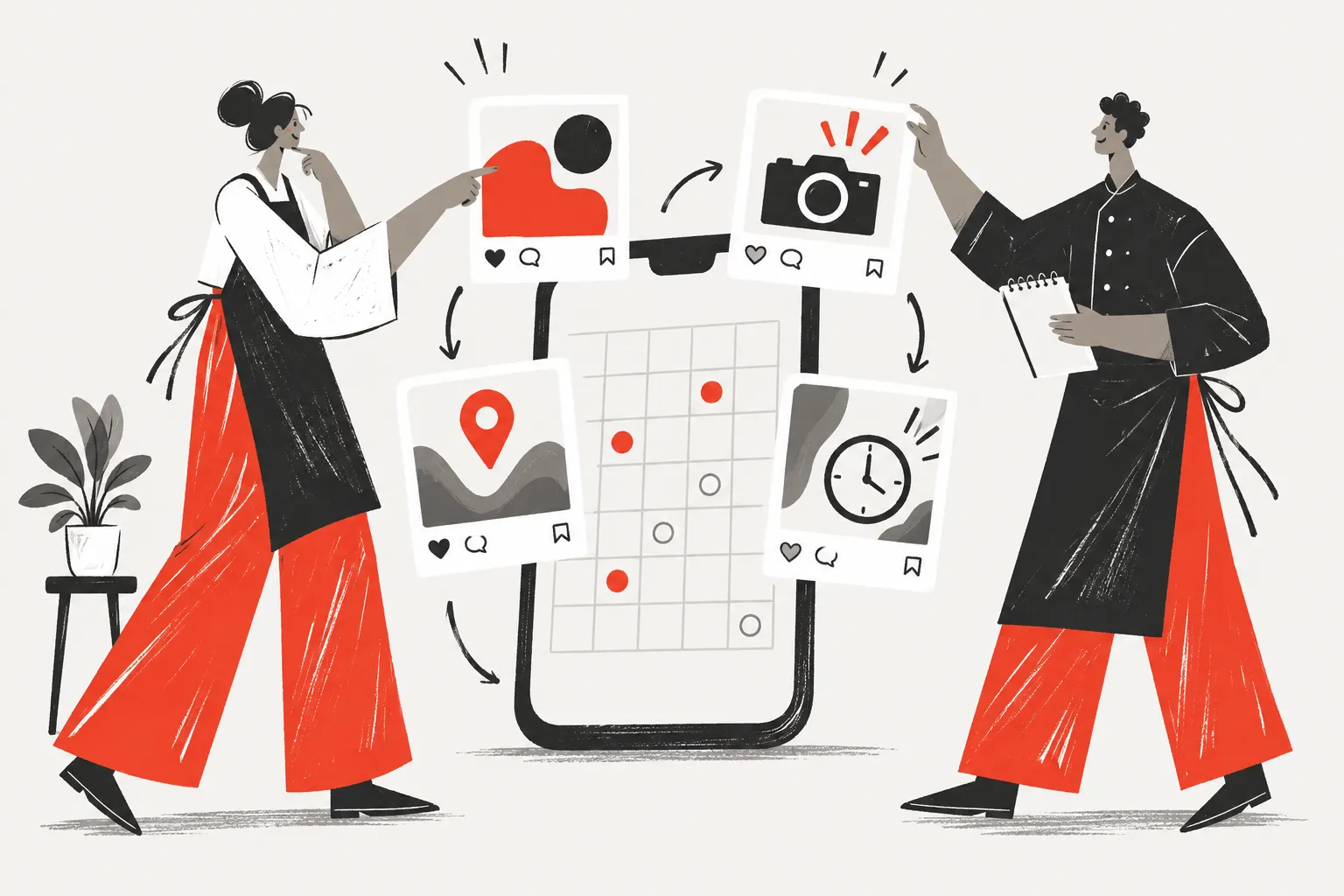
People Posts That Make a Restaurant Feel Familiar
People posts work when they introduce the real restaurant team with respect and permission. Guests often remember the person who welcomed them, made their coffee or explained a dish, so these posts can make a local place feel more familiar before a first visit.
- The chef or cook: Share a portrait or working moment with a short, plain note about their role, a favourite ingredient or what they are preparing that week.
- The barista or front-of-house team member: Show the person who shapes a guest’s first interaction, with their permission, to give a café or restaurant a recognisable human face.
- A regular guest: Only with explicit permission, share a regular’s story or a small community moment when it says something genuine about the place rather than turning a guest into an advert.
Always ask before photographing and posting a team member or guest. Agree what will be shared, let them see the image if that is appropriate, and never use a name or a personal story just because it makes an easy caption.
Practical Updates That Help Guests Make a Plan
Practical updates are some of the most useful restaurant posts because they remove friction from a visit. They may not be the most glamorous material in the feed, but they answer the questions that stop a guest from booking or walking in.
- A new menu: Announce a menu change when guests can order it, then point them to the latest version rather than relying on a caption that will become old.
- A change of hours: Post a clear update for holiday hours, a private event or a later opening, and make the same change on your website and Google Business Profile.
- An event or special service: Share the date, what guests can expect and how to reserve, then repeat the information in stories nearer the time if it is still current.
Google’s restaurant guidance makes the same point for Search and Maps: essential details, menus, photos and reservation options need to be current. Use the Google Business Profile restaurant checklist when reviewing the information a guest sees beyond Instagram.
What Does Not Work on a Restaurant Instagram?
Restaurant content tends not to work when it looks unlike the real place or asks guests to care without giving them a reason. A polished image is not the same as an overworked one; the test is whether a guest could recognise the experience when they arrive.
Avoid these common habits:
- Stock photography: It may fill a gap, but it cannot show your actual food, room or restaurant team, so it gives guests nothing reliable to hold on to.
- A feed made only of discounts: An offer can be useful, but a string of offers trains the feed to talk about price rather than the restaurant’s character.
- Images altered beyond recognition: Heavy editing, old photographs and staged-looking scenes create a mismatch between the post and the visit.
- Posting without a next step: A beautiful image is wasted when the booking link, menu or opening details are difficult to find.
The better approach is quieter: photograph what matters, write what is current and leave enough room in the plan to respond to real life in the restaurant. Our guide to social media marketing for local restaurants explains how that consistent approach supports a small business over time.
How Often Should a Restaurant Post on Instagram?
A restaurant should post at a rhythm that the restaurant team can maintain. For many independent restaurants, one considered post each week and timely stories in between is a realistic place to begin. It gives you time to make the content useful, answer messages and keep all linked details correct.
Use this table to plan a balanced month. The frequency is a starting point, not a rule: change it around menu launches, events and the material you genuinely have.
| Post type | Purpose | Shoot difficulty | Starting frequency |
|---|---|---|---|
| New dish or drink | Show what is available now | Medium | 1–2 times a month |
| Preparation detail | Show care and craft | Medium | 1–2 times a month |
| Room or table setting | Set atmosphere and expectation | Low to medium | 1–2 times a month |
| Restaurant team member | Build familiarity | Low | Once a month |
| Practical update | Help guests plan a visit | Low | When needed |
| Short vertical video | Show pace or a service moment | Medium | When you have a clear moment to share |
If you decide to promote a short video, check the platform’s current format guidance first. Meta’s official Reels guide covers placement and creative considerations for promoted Reels.
How One Shoot Day Can Cover a Month of Content
One Shoot Day can give a restaurant a month of core content when it is planned around the menu, the room, the team and upcoming dates. The useful preparation is a shot list: a written plan of every photo and video needed on the day, grouped by where it will be used.
Before the shoot, list the dishes that will be available, the best service window for atmosphere, the people who are happy to appear, and any event or menu change that needs a date. During the shoot, collect both horizontal and vertical material so the same work can support website pages, Instagram posts and stories. Afterwards, save the finished images by subject rather than by camera file name.
TeoPix Creative’s Creative Team and Shoot Day services are designed around that practical approach: regular material for an ongoing feed, or a focused shoot for a new menu, opening or refresh. If a post needs a menu, booking or loyalty action behind it, our digital tools for restaurants can help keep the guest journey connected.
Start With the Restaurant You Already Have
The best Instagram content for a restaurant is not more content. It is a clear, current view of the food, the place and the people guests will actually meet. Pick two of the 12 ideas for the next month, make the booking or menu link easy to find, and see which questions guests respond to.
If you would like a hand planning the shoot and building a useful library of restaurant content, let’s talk.
Frequently asked questions
What should a restaurant post first on Instagram?
A restaurant should begin with one post that shows the experience guests can expect: a well-served dish, the room at a good hour, or a member of the restaurant team. Add an accurate location and a clear booking or website link before trying more ambitious formats or campaigns.
How many Instagram posts does a restaurant need each week?
For many small restaurants, one considered feed post each week is a realistic starting point, with stories for genuine updates in between. The right pace is one the restaurant team can sustain without using old information or rushed images. Consistency matters more than posting every day.
Can a restaurant use phone photos on Instagram?
Yes, a restaurant can use phone photos when the light is good, the frame is simple and the image shows something true to the guest experience. A phone is particularly useful for timely updates. Plan professional photography for the moments and material you will need to reuse for longer.
Should a restaurant post discounts on Instagram?
A restaurant can post a genuine, time-limited offer, but discounts should not be the whole content plan. Guests also need to see what the restaurant is like and why they would choose it. Use offers as one clear update among posts about food, atmosphere, people and service.
What should a restaurant avoid posting on Instagram?
A restaurant should avoid stock images, heavily altered visuals and old information that does not match the real visit. It should also avoid posting only sales messages. Social media works better when it helps guests understand the restaurant and gives them a useful, current reason to visit.